
Introduction
MacBook users often find themselves questioning whether all chargers are compatible with their devices. This concern arises from Apple’s shift from the MagSafe to USB-C technology over the years. It’s essential to understand the implications of using the right charger, as it impacts both the safety and efficiency of your device. In this guide, we’ll explore the various charger types, how to choose the correct one, and the importance of compatibility.
Evolution of MacBook Chargers
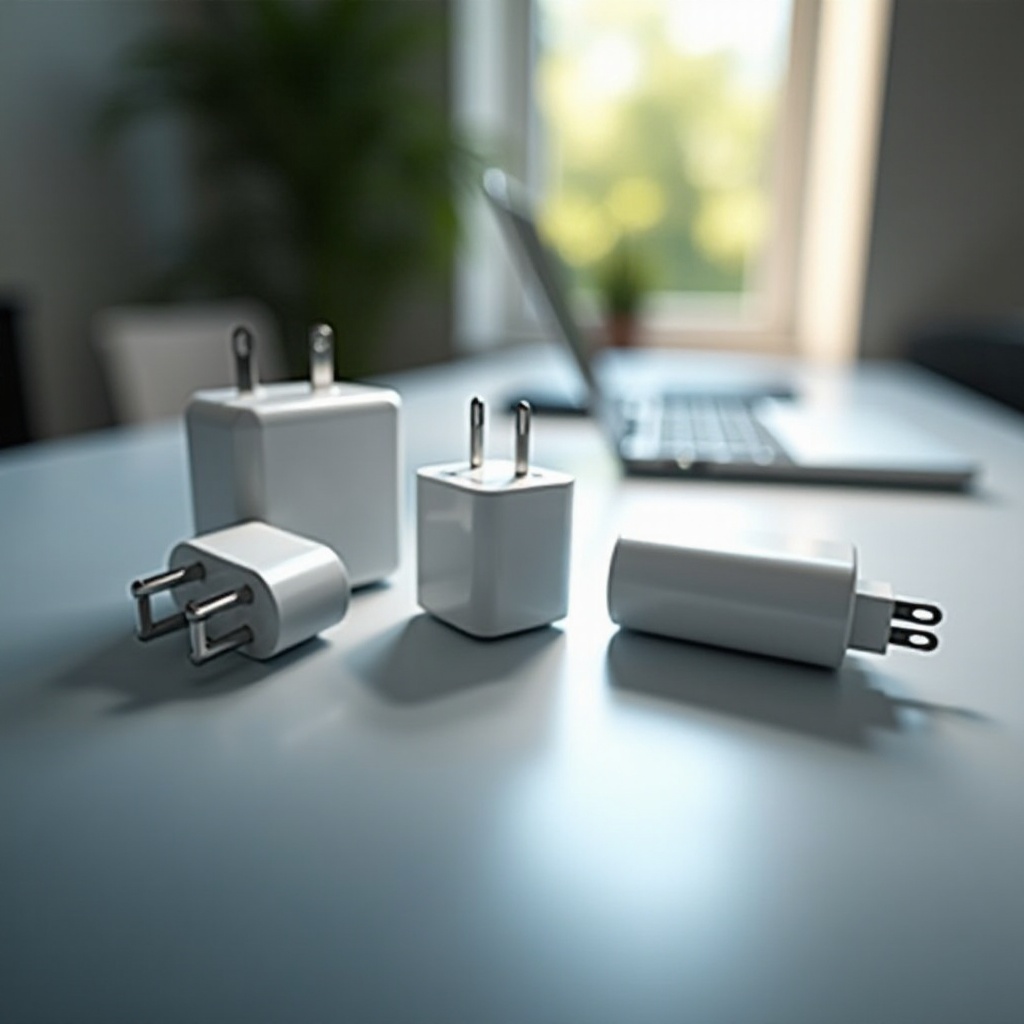
Apple has continuously evolved its charging technology to enhance user experience and device safety. Initially, MacBook chargers used the MagSafe technology, introduced in 2006, which provided a magnetic attachment to minimize damage from accidental disconnections. This created a safer user environment as it allowed easy detachment, thereby preventing MacBooks from falling if pulled.
In 2015, Apple began integrating USB-C technology, starting with the 12-inch MacBook. This transition marked a significant change, enhancing charging speed and data transfer capabilities while allowing for a more universal charging method across various devices.
Understanding these shifts in technology is critical when identifying the correct charger for your device. This knowledge allows you to make informed choices regarding compatibility and safety while using your MacBook.
Types of MacBook Chargers
Apple has adapted its chargers to different MacBook models to meet specific power needs. Each type of charger offers unique features designed for particular MacBook versions.
-
MagSafe Chargers: Known for their magnetic connector, MagSafe and MagSafe 2 are best suited for older MacBook models. They provide enhanced safety and prevent physical damage from accidental pulls.
-
USB-C Chargers: Predominantly used in newer MacBooks like the MacBook Pro and MacBook Air, USB-C supports faster data transfer and charging. The reversible design is user-friendly, ensuring easier connectivity.
-
Wattage Variations: MacBooks require chargers with varying wattages, typically ranging from 29W to 96W, depending on the model. Ensuring that you use the correct wattage is crucial to maintaining your device’s performance and longevity.
Grasping these distinctions is essential for choosing a charger that complements your MacBook, ensuring sustained performance and reducing potential hazards.
Compatibility Matters: Choosing the Right Charger
Selecting the right charger is pivotal for both power delivery and device safety. Proper compatibility prevents inefficient charging and protects your MacBook from damage.
-
Identifying Your MacBook Model and Year: Begin by verifying your MacBook’s model and production year, usually available under ‘About This Mac’ or on the device’s underside. This information is vital for determining which charger type and wattage are appropriate.
-
Matching Wattage for Optimal Performance: Each MacBook model has specific power needs. Using a charger with incorrect wattage can lead to slower charging or hardware damage. Always ensure the charger meets your device’s required power output for efficiency and preservation.
-
Risks of Using Incompatible Chargers: Incorrect chargers can lead to overheating, degrading battery health, or causing component failure. Match your MacBook to its recommended charger to avoid these issues.
Understanding compatibility’s significance helps you maintain your device more effectively, ensuring a longer lifespan and better performance.
Exploring Third-Party Chargers: Safe or Risky?
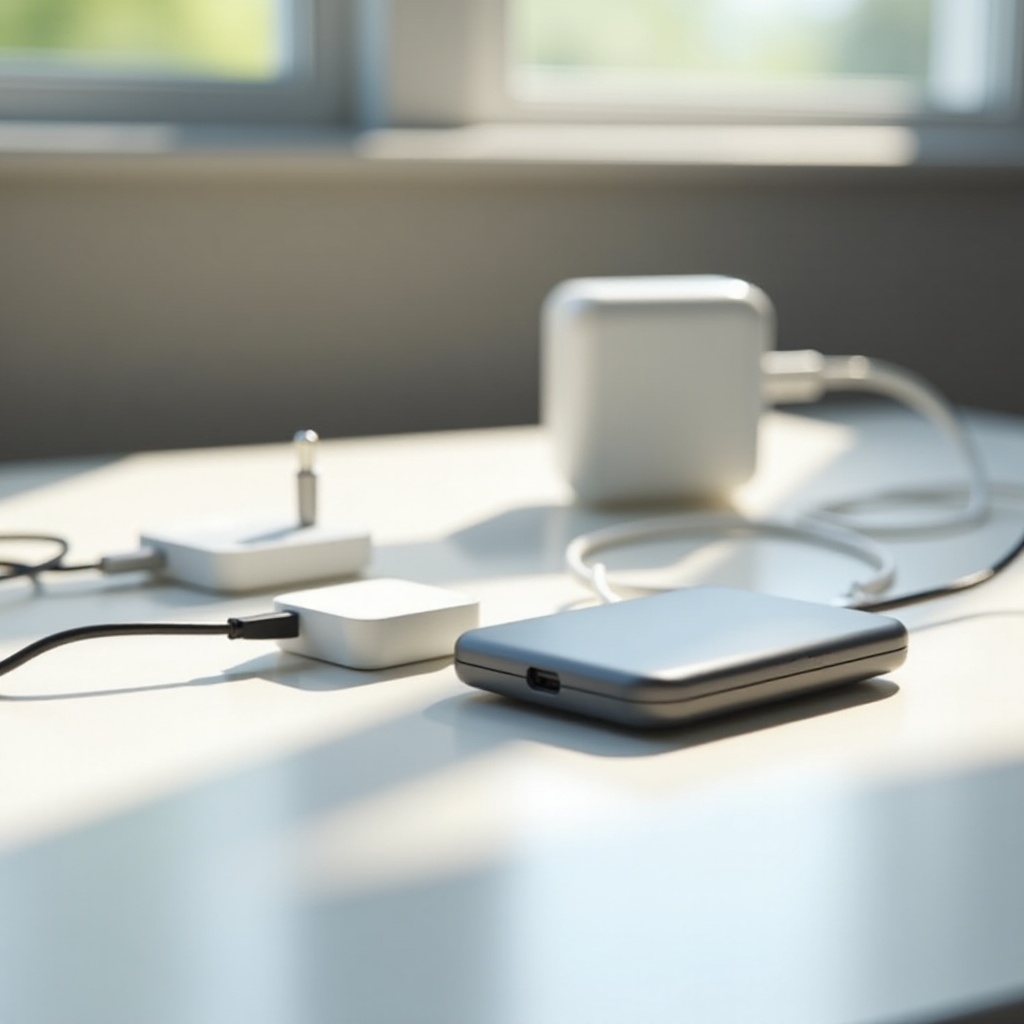
Though Apple offers official chargers, many users consider third-party options, primarily for cost savings. This choice can be beneficial, but caution is required to ensure safety.
-
Overview of Third-Party Charger Market: Numerous companies provide third-party chargers, often at a lower price point than Apple. However, quality and safety vary greatly among these offerings.
-
Criteria for Selecting a Reliable Third-Party Charger: Prioritize chargers with safety certifications, such as UL, CE, or FCC. Review brand reputation, user feedback, and verify features like over-voltage protection.
-
Official vs. Non-Official Chargers: While official chargers guarantee compatibility and safety, reliable third-party alternatives might offer competitive pricing. Proper research can lead you to trustworthy third-party options that balance cost with safety.
Being informed about third-party charger specifications and reliability assures your MacBook’s safety and continued performance.
Maintenance Tips for Your MacBook Charger
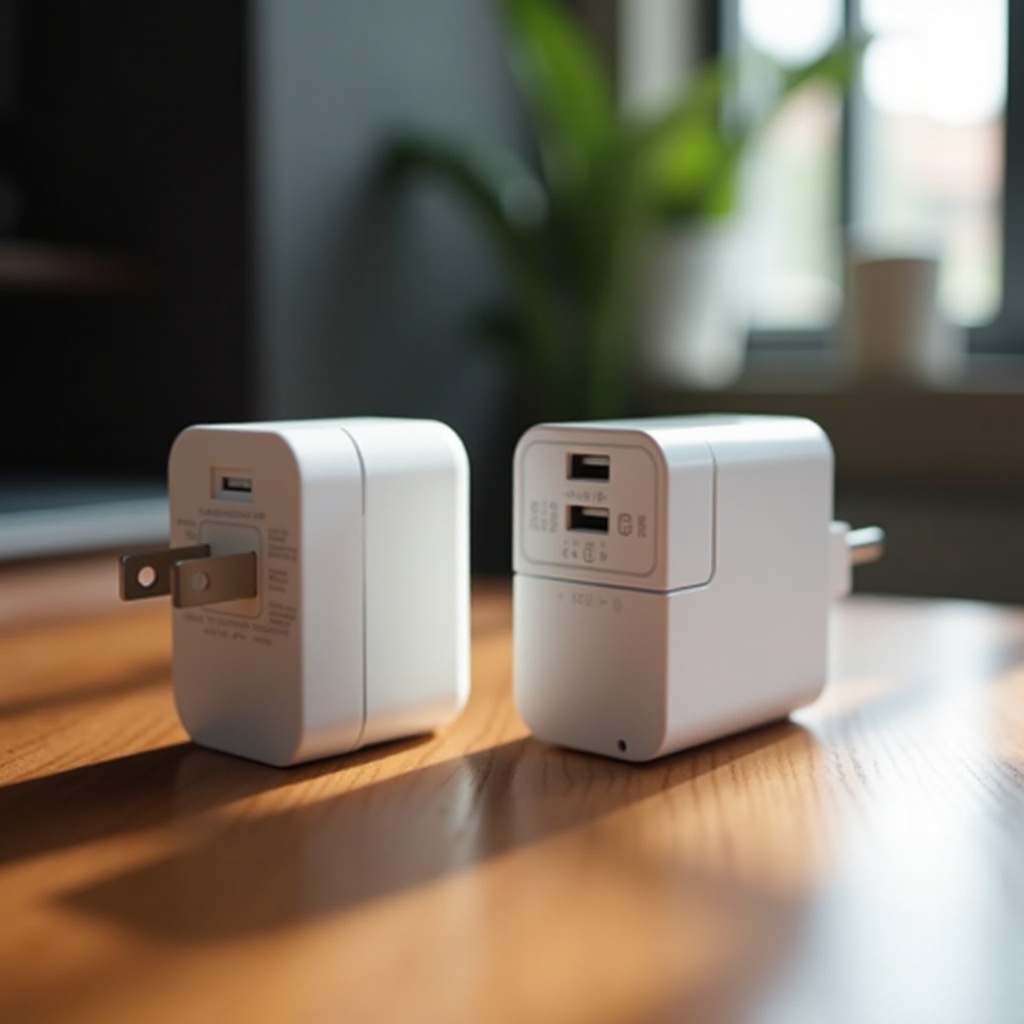
Proper management of your charger extends its lifespan and ensures safe usage. Implementing simple maintenance practices is crucial.
-
Proper Care and Storage Practices: Disconnect the charger by pulling the plug, not the cord, to avoid damage. Keep cords loosely coiled and store in a cool, dry place to prevent heat build-up.
-
Recognizing Signs of Wear and When to Replace: Regularly inspect for cable wear or discoloration, which can indicate overheating. If the charger feels excessively hot or malfunctions, consider replacing it.
These maintenance tips help prolong the life of your charger, maintaining safety and reliability for your MacBook.
Conclusion
Understanding the differences in MacBook chargers and their compatibility is essential for maintaining your device’s integrity. By choosing the correct charger and practicing proper care, you can extend your MacBook’s life and enjoy optimal performance. Equipped with the knowledge from this guide, you are now better prepared to make informed decisions regarding your MacBook’s charging needs.
Frequently Asked Questions
Can I use a higher wattage charger on my MacBook?
Yes, using a higher wattage charger is generally safe, as your MacBook will only draw the amount of power it needs. However, using a lower wattage charger may not provide sufficient power.
How do I know if my third-party charger is safe to use?
Check for certifications like UL, CE, or FCC, and review the brand’s reputation and user feedback to ensure it includes features like over-voltage protection.
What should I do if my MacBook charger stops working?
Inspect for visible damage, try different outlets, and reset the MacBook’s power management. If issues persist, contact Apple Support or replace the charger.