
Introduction
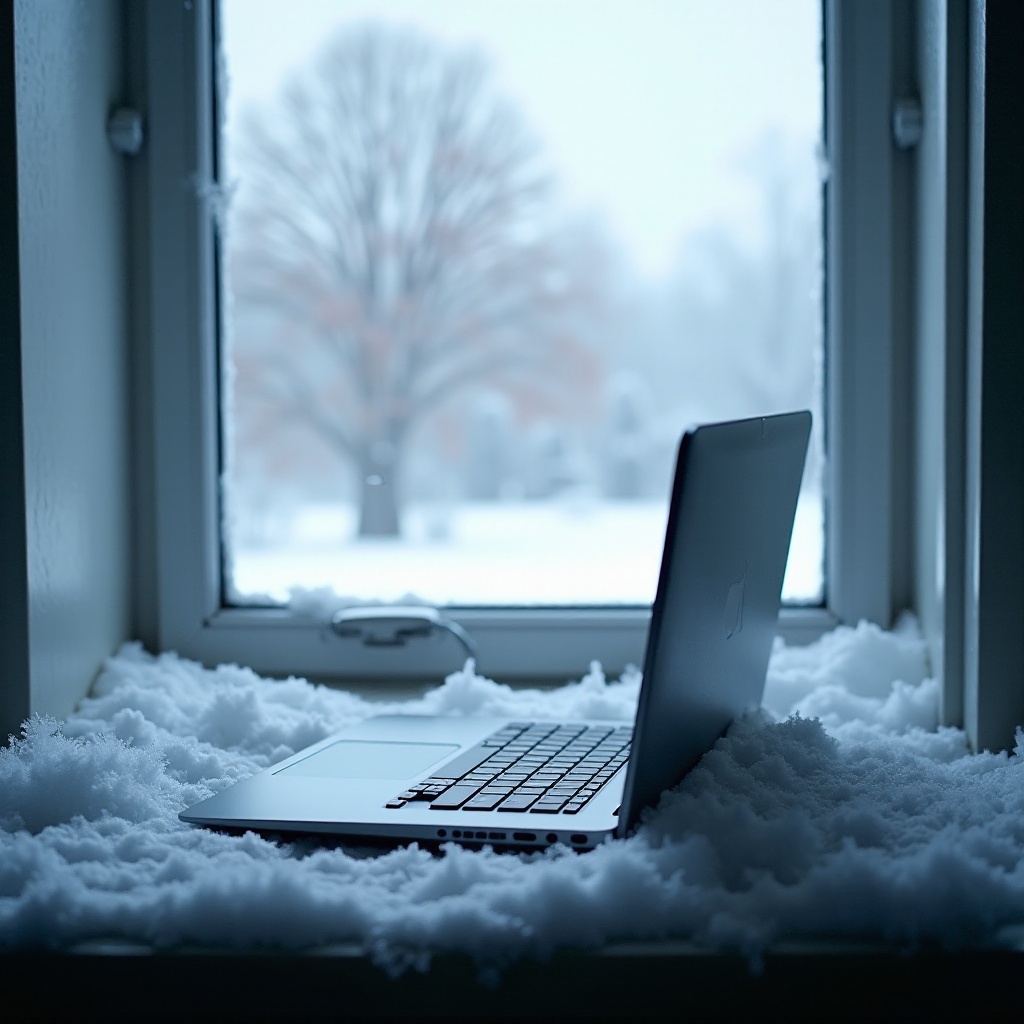
Laptops accompany us everywhere, enduring everything from hot summer days to freezing winter nights. But what happens when laptops face extreme cold? Knowing how cold temperatures impact laptops is crucial to maintaining their performance and longevity. This comprehensive guide explores the effects of cold weather on laptops and provides practical solutions for protecting your devices from damage due to freezing conditions.

How Cold Weather Affects Laptops
Cold weather can drastically affect a laptop’s functionality, especially its hardware components. The impact varies, targeting different parts of the laptop.
Effects on Batteries
Lithium-ion batteries, which power most laptops, struggle in cold conditions. The low temperatures can cause batteries to drain faster and decrease their charging efficiency. Additionally, extremely cold weather may hinder the battery’s ability to recharge, or worse, cause startup failures.
Screen Issues in Low Temperatures
Laptop displays, especially LCD screens, are susceptible to the effects of cold. Freezing temperatures can make the liquid inside the screen freeze or slow down, leading to lagging display responses or uneven brightness. Extreme cold might even cause the screen to crack due to material contraction.
Potential for Structural Damage
Cold can also make the laptop’s casing brittle, increasing the risk of cracking or breaking during handling. Materials like plastic become less flexible and more susceptible to damage in freezing conditions.
With these points in mind, it’s evident that cold weather can seriously impact laptop hardware, transitioning us naturally into how it affects software as well.
Software Performance in Cold Conditions
Software doesn’t escape the cold’s grasp either. Operating systems and applications are fine-tuned for certain temperature ranges. In chilly conditions, you might notice slower processing speeds or unresponsive software. These issues not only complicate your tasks but can also indicate deeper hardware problems.
Temperature fluctuations, such as shifting from a chilly outdoor environment to a warm indoor setting, can cause condensation. This moisture can interfere with the software and lead to glitches or failures. By understanding both hardware and software vulnerabilities, you’re better positioned to protect your device.

Recognizing Signs of Cold Damage
Early detection of cold-induced stress on your laptop can avert long-term damage. Here are key indicators:
- Battery Drainage: A noticeably fast reduction in battery life suggests strain from the cold.
- Screen Lag or Flicker: Delays or flickering screens signal a cold-affected display.
- Error Alerts: Spontaneous error messages and sudden shutdowns imply serious exposure to freezing temperatures.
Recognizing these symptoms early allows you to act promptly and mitigate potential damage. Once you’ve identified the risks, it’s crucial to know how to prevent them.
Preventative Measures for Cold Weather
Shielding your laptop from the cold involves strategic preventative measures. Employ these simple yet effective strategies:
Proper Storage Solutions
Always store your laptop in warm, insulated places when not in use. Avoid leaving it in cold cars or unheated rooms overnight as temperatures can drop significantly during those hours.
Using Protective Accessories
Invest in a high-quality, thermal laptop bag or sleeve. This will protect your device from direct cold exposure and help mitigate the impact of rapid temperature changes.
Warming up Your Device
Before turning your laptop on after being in the cold, allow it to reach room temperature gradually. This minimizes the risk of internal condensation and potential damage.
Understanding how to protect your laptop from cold doesn’t just safeguard its hardware — it ensures your software runs smoothly as well. Next, we’ll explore tips for those travelling with laptops in cold climates.
Traveling with Laptops in Cold Climates
Frequent travelers face unique challenges when taking laptops to cold climates. Here are practical solutions to manage these conditions:
Packing Tips
- Use an insulated, padded bag to carry your laptop to shield it from both cold and mechanical shocks.
- Refrain from placing any heavy items on or against your laptop while traveling, as cold can compromise the structural integrity of its casing.
Avoiding Condensation
- Upon entering a warm indoor space from the cold, let your laptop remain in its bag for a while to warm up before use.
Precautions for Sudden Weather Changes
- When faced with abrupt temperature drops, keep your laptop securely zipped inside a protective case to reduce exposure to the elements.
By carefully packing and staying alert to environmental conditions, travelers can significantly reduce cold-related risks to their laptops. Lastly, let’s debunk common myths about laptops and cold weather.
Common Cold Weather Myths About Laptops
Misconceptions about technology and cold weather abound. Here’s the truth behind some common myths:
-
Myth: Cold Weather is Always Harmful to Laptops – Reality: While potentially harmful, controlled cold exposure doesn’t harm laptops if the right precautions are in place.
-
Myth: It is Safe to Quickly Warm a Cold Laptop – Reality: Rapid warming can lead to condensation buildup inside your laptop, potentially causing serious internal damage.
Recognizing these truths dispels fears and empowers laptop users to focus on effective practices rather than misconceptions.
Conclusion
As winter approaches or you prepare to travel to colder regions, being armed with the knowledge to protect your laptop becomes essential. By comprehending how cold weather impacts both hardware and software, spotting early warning signs of damage, and adopting preventative measures, you ensure your laptop remains functional and reliable all year round.
Frequently Asked Questions
Can a laptop be used immediately after being brought in from the cold?
No, let your laptop acclimate to room temperature before use to avoid condensation-related issues.
What is the ideal operating temperature range for laptops?
Most laptops function optimally between 50°F to 95°F (10°C to 35°C).
How can I tell if cold weather has damaged my laptop?
Look for signs like reduced battery life, screen issues, and unexplained shutdowns, which may indicate cold damage.