
Introduction
The MacBook Pro is indispensable for many users, serving as a critical tool for productivity and creativity. However, logic board issues can severely disrupt its functionality. Knowing how to diagnose and fix these problems is essential for preserving your device’s performance. This guide will help you identify common symptoms, apply DIY repairs, and understand when to seek expert help.

Understanding the Logic Board
The logic board functions as the central hub of your MacBook Pro, linking all components and processing data. Failure in this area can result in varied symptoms affecting your device’s overall performance. A sound understanding of its operation is crucial for effective troubleshooting and problem resolution. Armed with this knowledge, you’re better equipped to tackle the next steps in addressing logic board issues.
Common Symptoms of a Failing Logic Board
If your MacBook Pro is experiencing logic board issues, you might notice:
-
Unexpected Shutdowns: Sudden power offs without warnings.
-
Screen Freezing or Flickering: Persistent glitches hint at internal issues.
-
Overheating Problems: Excessive heat may signal regulatory failures in the logic board.
Recognizing these symptoms is pivotal. Doing so aids in the effective use of diagnostic techniques, bridging the way to viable solutions.
Diagnosing Logic Board Issues
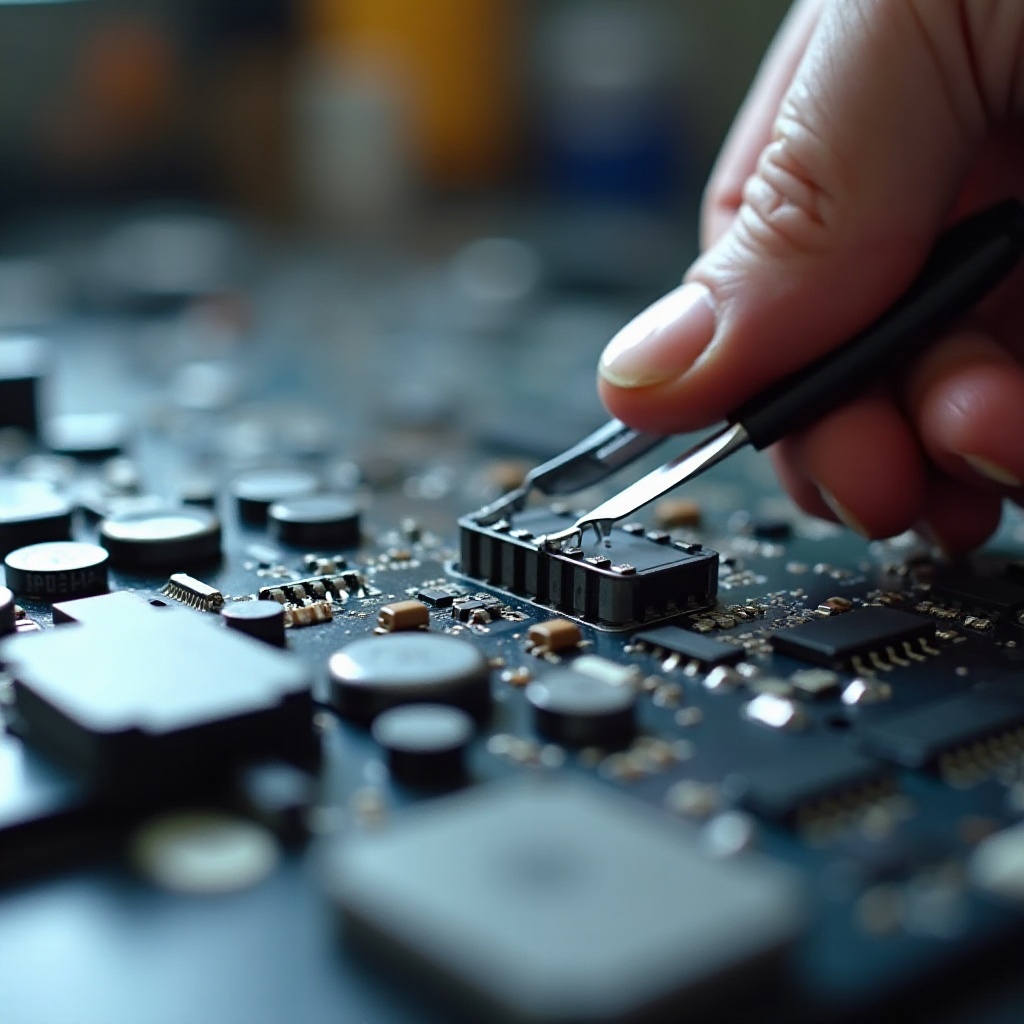
To accurately diagnose problems, you need the right strategy and tools:
- Screwdrivers specific to MacBook Pro hardware
- A multimeter for voltage and current testing
- Diagnostic software such as Apple Diagnostics
Diagnostic Process:
- Power off your MacBook and disconnect all peripherals.
- Run Apple Diagnostics by restarting and holding down the D key.
- Carefully note any error codes from the diagnostic report; these are key to identifying logic board issues.
Safety First:
- Ground yourself to avoid electrostatic discharge.
- Organize your workspace to prevent losing small parts or causing additional damage.
With diagnostic results in hand, you can assess appropriate DIY fixes or determine if professional intervention is necessary.
DIY Fixes for Common Logic Board Problems
Tackling some logic board issues on your own can save time and money. Here are viable DIY tactics:
- Software Solutions:
- Keep macOS updated to eliminate known issues resolved by Apple.
-
Reset PRAM and SMC to fix minor logic board communication faults.
-
Hardware Maintenance:
- Carefully clean the logic board and internal components to remove dust and combat overheating.
- Verify and reseat all internal connections to ensure no loose or faulty connectors.
Regular upkeep is crucial. Incorporating these measures into your routine can greatly enhance your MacBook Pro’s resilience and performance.
When to Seek Professional Repair Services
If all DIY efforts fail, professional help might be the next course of action. Situations warranting expert repair include:
- Persistent issues post-DIY attempts
- Clear signs of complex damage, such as burns or severe component wear
- Error codes indicating advanced technical faults
Opting for a professional guarantees precise solutions and ensures your MacBook Pro functions optimally once repaired.

Choosing the Right Repair Service Provider
To get the most reliable repair service, consider the following factors:
- Choose certified technicians for skilled handling and correct Apple parts.
- Opt for services providing repair guarantees, protecting you from future issues.
- Consult reviews and recommendations for selecting reputable service providers.
Sensible service provider selection can drastically influence the success of your repair efforts, ensuring your MacBook Pro receives the best care possible.
Conclusion
Addressing logic board failures promptly is key to maintaining your MacBook Pro’s functionality. By identifying symptoms early, applying suitable DIY fixes, and knowing when expert intervention is necessary, you extend your device’s life, keeping it in peak performance for your daily needs.
Frequently Asked Questions
How can I prevent future logic board failures?
Regular maintenance, including software updates and cleaning internal components, helps prevent issues.
Is it worth repairing an old MacBook Pro?
Consider the repair costs, device age, and performance. If it’s cost-effective and meets your needs, repair may be worthwhile.
How much does professional logic board repair usually cost?
Costs vary by damage extent and service provider, typically ranging from $300 to $600. Always request a quote before proceeding.