
Introduction
Sony’s PlayStation Portable (PSP) continues to have a devoted fan base thanks to its portability and wide variety of games. Understanding the charging requirements for your PSP is crucial to maximizing the time you can spend gaming. This guide provides insights into how long it takes to charge a PSP, the factors influencing charging times, and offers practical tips for effective charging.
Understanding PSP Batteries
Getting acquainted with the PSP’s rechargeable lithium-ion batteries can help set your expectations for performance and charging. The varying specifications across PSP models mean different experiences for gamers.
Types of Batteries in PSP Models
The PSP has three main models—PSP-1000, PSP-2000, and PSP-3000—each featuring distinct battery specifications. The PSP-1000 is powered by an 1800 mAh battery, while both the PSP-2000 and PSP-3000 generally utilize 1200 mAh capacities.
Battery Capacity and Performance Overview
The milliampere-hour (mAh) rating indicates how much charge a battery can hold and impacts the time required to recharge fully. PSP batteries with higher mAh ratings typically offer longer playing times but also demand longer charging periods.
Charging Times for Different PSP Models
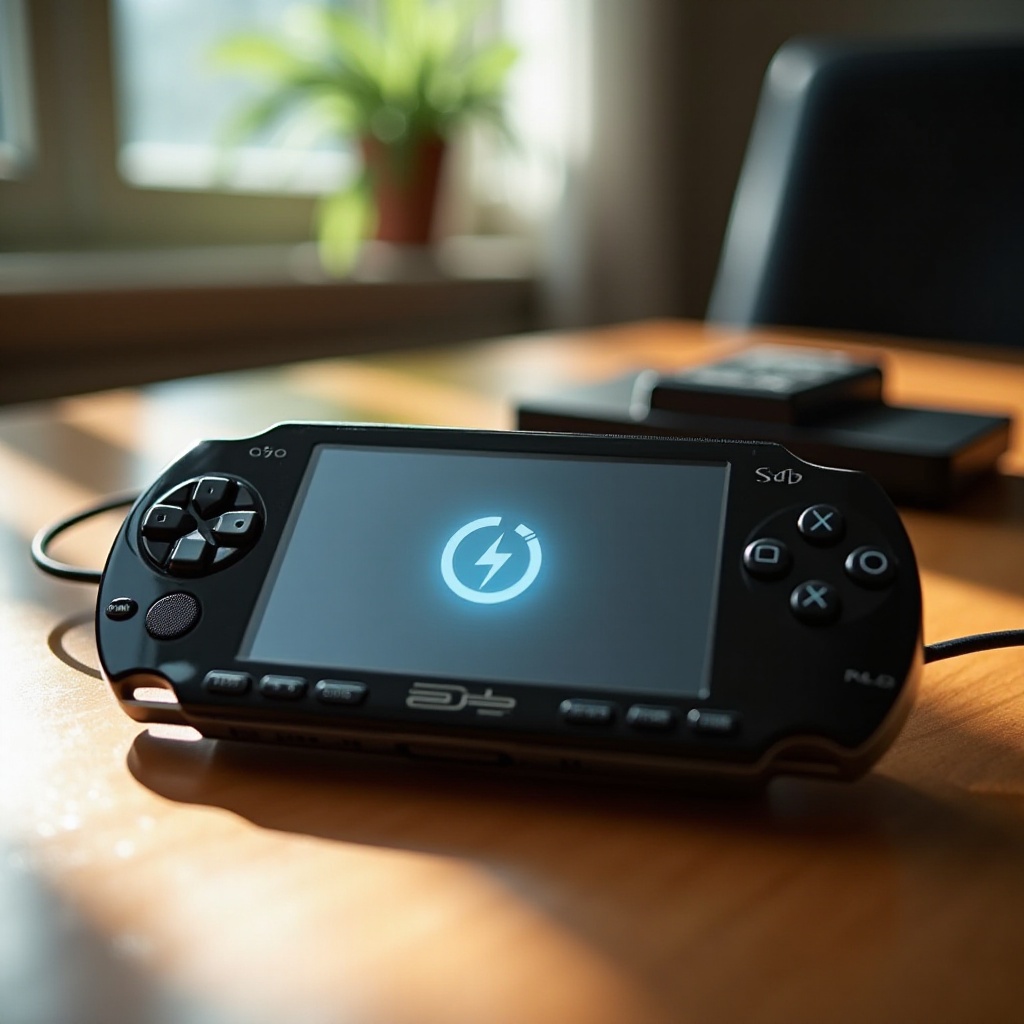
Knowing the expected charging duration for your specific PSP model aids in planning your gaming activities effectively. Let’s break down the common charging times.
PSP-1000 Charging Time
Typically, a full charge for the PSP-1000 takes around 3 to 4 hours. Its larger battery compared to later models means it requires more time to fully recharge.
PSP-2000 Charging Time
The PSP-2000 features a smaller 1200 mAh battery, which facilitates a quicker charging process of about 2 to 3 hours.
PSP-3000 Charging Time
Similarly, the PSP-3000’s charge duration mirrors that of the PSP-2000, taking roughly 2 to 3 hours for a full charge due to its identical battery capacity.
Factors Affecting PSP Charging Time
Various factors can influence charging efficiency beyond battery specifications, including usage habits and external conditions.
Battery Age and Condition
The efficiency of lithium-ion batteries declines with age and frequent use, often resulting in prolonged charging times. If you notice substantial delays, it might be time to consider a new battery.
Charger Type and Voltage
Always employ the official PSP charger or certified alternatives to ensure compatible voltage. Using mismatched or third-party chargers can inadvertently slow down the charging process or cause damage.
Environmental Conditions
Extreme temperatures can negatively affect battery charging efficiency. It’s advisable to charge the PSP within a standard room temperature setting to optimize performance and safety.
Tips for Efficient Charging
Consider these actionable tips to improve your PSP’s battery efficiency and prolong its life:
- Always use the official PSP charger to maintain the correct voltage and amperage.
- Unplug the charger once your PSP reaches full capacity to avoid overcharging, which can degrade battery health over time.
- Occasionally let the battery drain completely before recharging to recalibrate its capacity.
Troubleshooting Common Charging Issues
Encountering charging problems with your PSP can be frustrating, but a few common steps can help diagnose and solve these issues.
Identifying Faulty Chargers
If your PSP isn’t charging, test with a different compatible charger. The problem could lie with a damaged or faulty charger.
Recognizing Battery Degradation Signs
Decreased battery performance, such as extended charging times or rapidly draining power, could indicate that the battery has deteriorated and might need replacement.
Maximizing PSP Battery Life
Following best practices for battery care can substantially extend your PSP’s battery life and consistent operation.
Best Practices for Battery Longevity
Protect your PSP from temperature extremes by storing it in a temperate environment. Additionally, consider using a protective case to prevent physical damage.
Dos and Don’ts for Everyday Use
- Do regularly clean the battery contacts to ensure good connections.
- Don’t leave the PSP with a fully depleted battery for long periods, as it may lead to battery damage.
Conclusion
Ensuring your PSP is charged and ready allows for uninterrupted gameplay, a factor every gamer cherishes. By following tailored charging practices for your specific model and acknowledging the different variables at play, you can vastly improve your PSP gaming experiences.
Frequently Asked Questions
How can I tell if my PSP battery needs replacing?
If your PSP struggles to hold a charge or takes much longer to reach full charge, it may be time to replace the battery.
Is it safe to use a third-party charger for my PSP?
While some third-party chargers work well, it’s best to use the original or certified chargers to ensure safety and efficiency.
Can I play games while my PSP is charging?
Yes, you can play while charging, but it may extend the overall charging time slightly.