
Introduction
JBL Bluetooth earbuds have become a top choice for many audiophiles with their superior sound quality and easy portability. For newcomers, the initial setup might seem tricky at first. This guide focuses on simplifying the pairing process, offering straightforward instructions and troubleshooting tips.
By following this guide, you’ll learn how to successfully pair your JBL earbuds with a variety of devices, address common connectivity issues, and optimize your overall listening experience.
Why Choose JBL Bluetooth Earbuds
JBL Bluetooth earbuds stand out in the market due to their exceptional features. They offer impressive sound clarity and are exceptionally user-friendly.
- Features and Benefits: JBL earbuds provide outstanding audio quality, enhanced by advanced noise-cancellation technologies, which ensures an immersive listening experience. With long-lasting battery life, these earbuds can easily accompany you throughout the day—whether at work, on a commute, or while exercising.
Now that you understand their appealing features, let’s move on to pairing your JBL earbuds effortlessly.
Step-by-Step Pairing Guide
Pairing JBL Bluetooth earbuds with your device is a streamlined process. Whether you’re using an iOS or Android device, these steps will guide you.
-
Preparing Your Earbuds for Pairing: Ensure your JBL earbuds are charged. Enter pairing mode by holding the power button until the LED indicator flashes, signaling readiness for connection.
-
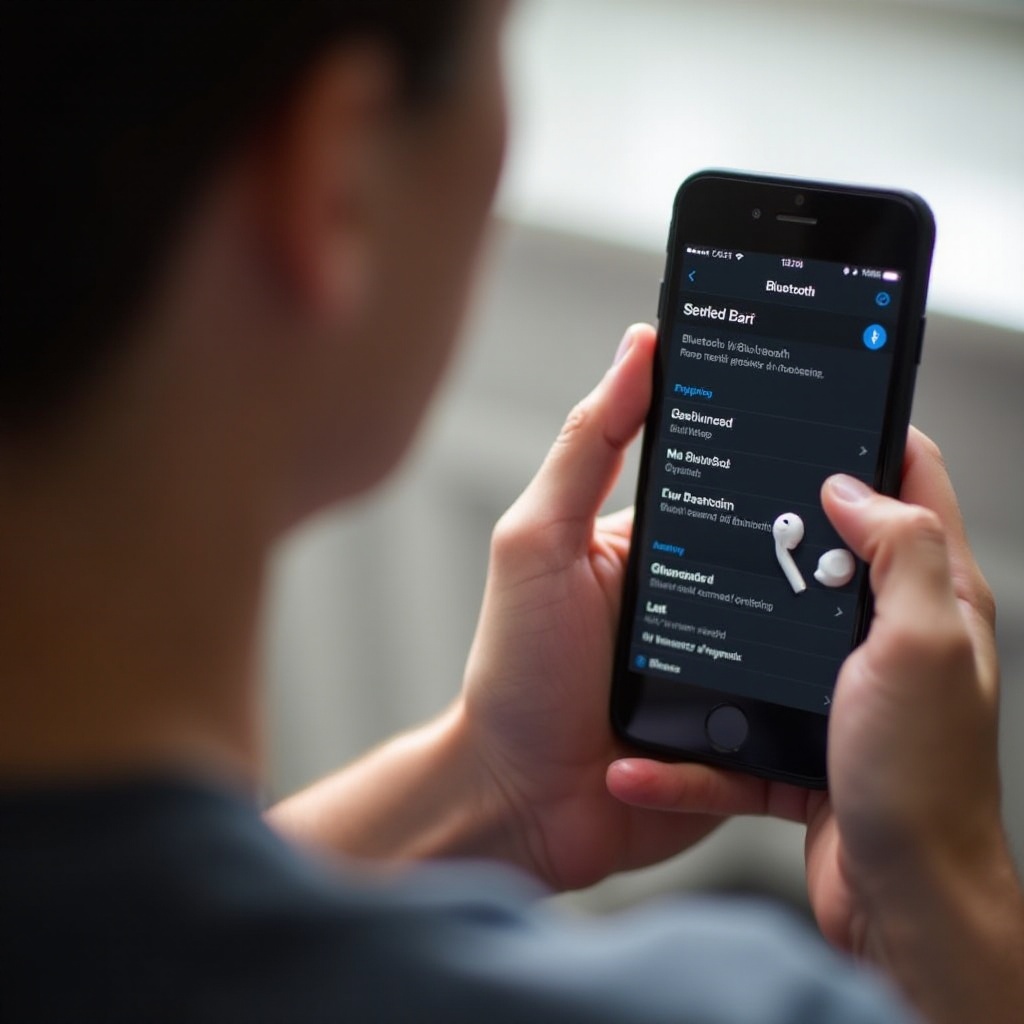
Pairing with iOS Devices: Open the settings on your iOS device and navigate to Bluetooth settings. Look for your JBL earbuds in the list of devices and select them to pair. Confirm pairing requests if prompted.
-
Pairing with Android Devices: Enable Bluetooth under Settings on your Android device. Find your JBL earbuds under ‘Available Devices’ and select them to connect. Follow any onscreen prompts to finalize the pairing.
Once paired, you are likely ready to proceed. But should any issues arise, the next section will help troubleshoot common problems you may encounter.
Troubleshooting Common Pairing Issues
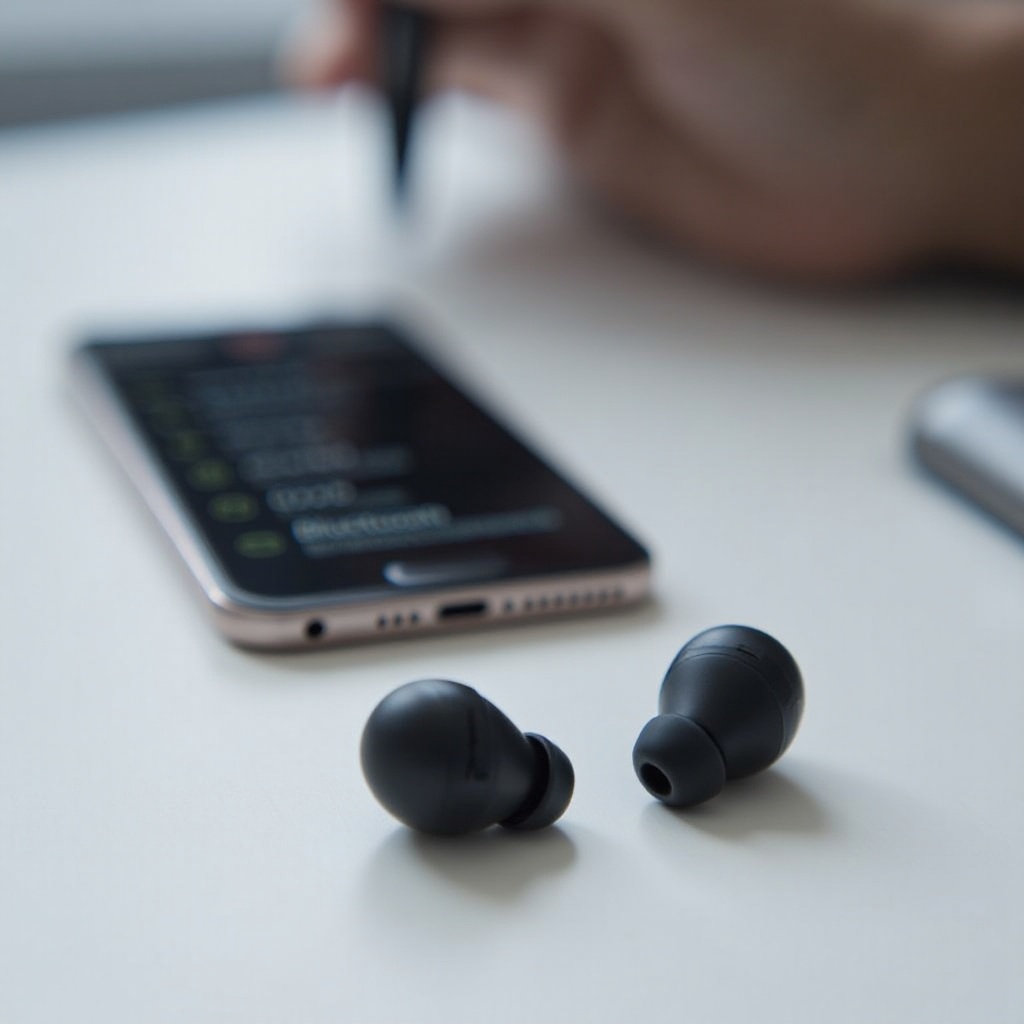
Experiencing difficulties with pairing can be frustrating, but they’re usually easy to resolve. Below are several fixes for the most common issues.
-
Connection Failures: If your device fails to connect, ensure the earbuds aren’t actively paired with another device, which can impede new connections.
-
Device Compatibility Checks: Double-check that your device’s Bluetooth version and software are up-to-date and compatible. Old versions can hinder successful pairing.
-
Resetting Your JBL Earbuds: Persistent issues may require a reset. Hold the power button for about 10 seconds until the LED lights blink, indicating a reset. Then, retry pairing.
Successfully resolving these issues should stabilize your connection. Next, learn how to maintain this stability with a few simple tips.
Tips for Ensuring a Stable Connection
A stable connection is vital for uninterrupted audio enjoyment. Here’s how to maintain it:
-
Avoiding Bluetooth Interference: Keep the device and earbuds close, reducing obstacles in between them. Bluetooth connections work best in clear, open environments.
-
Maintaining Firmware Updates: Regularly update your device’s software and your JBL earbuds’ firmware to fix any connectivity bugs and enhance performance.
With these practices, your audio experience can remain consistently enjoyable. Having ensured stability, let’s enhance sound quality next.
Enhancing Your Listening Experience
Optimizing your sound can truly take your JBL earbud experience to the next level.
-
Using Equalizer Settings: Many devices feature equalizer tools to adjust bass, treble, and overall sound balance. Customize these settings to suit your audio preferences.
-
JBL Audio Apps: Explore JBL’s dedicated apps for further sound customization and settings specific to your earbuds, providing profiles that deliver tailored sound experiences.
Improving sound settings truly enhances your listening encounter. Beyond enhancements, maintaining your earbuds will prolong their life expectancy.
Maintenance Tips for Longevity
Proper upkeep ensures that your JBL earbuds retain their high-quality audio output over time.
-
Proper Cleaning and Storage: Clean earbuds with a soft, dry cloth regularly. Store them in protective cases to avoid damage.
-
Protecting Against Physical Damage: Keep earbuds away from extreme temperatures and moisture to prevent damage.
With appropriate care, your earbuds will continue to offer exceptional audio enjoyment. Let’s conclude with a summary below.
Frequently Asked Questions
How do I reset my JBL Bluetooth earbuds?
Hold the power button for about 10 seconds until the LED lights blink, indicating a reset.
Why won’t my JBL earbuds connect to my phone?
Ensure the earbuds aren’t paired with another device and that your phone’s Bluetooth is enabled and discoverable.
Can I pair JBL earbuds with multiple devices?
Yes, but they will maintain an active connection with only one device at a time for optimal performance.