
Introduction
Water inside your lightning connector can pose a significant threat to your phone’s functionality. Acting promptly when this issue arises is crucial in mitigating further damage and ensuring minimal interruption to your device usage. Whether it’s due to an unexpected encounter with rain or an accidental beverage spill, understanding the implications of water on your phone’s connector is essential. This guide aims to provide you with effective strategies to manage and prevent water intrusion, helping maintain your device’s optimal performance.
Understanding Water Damage in Lightning Connectors
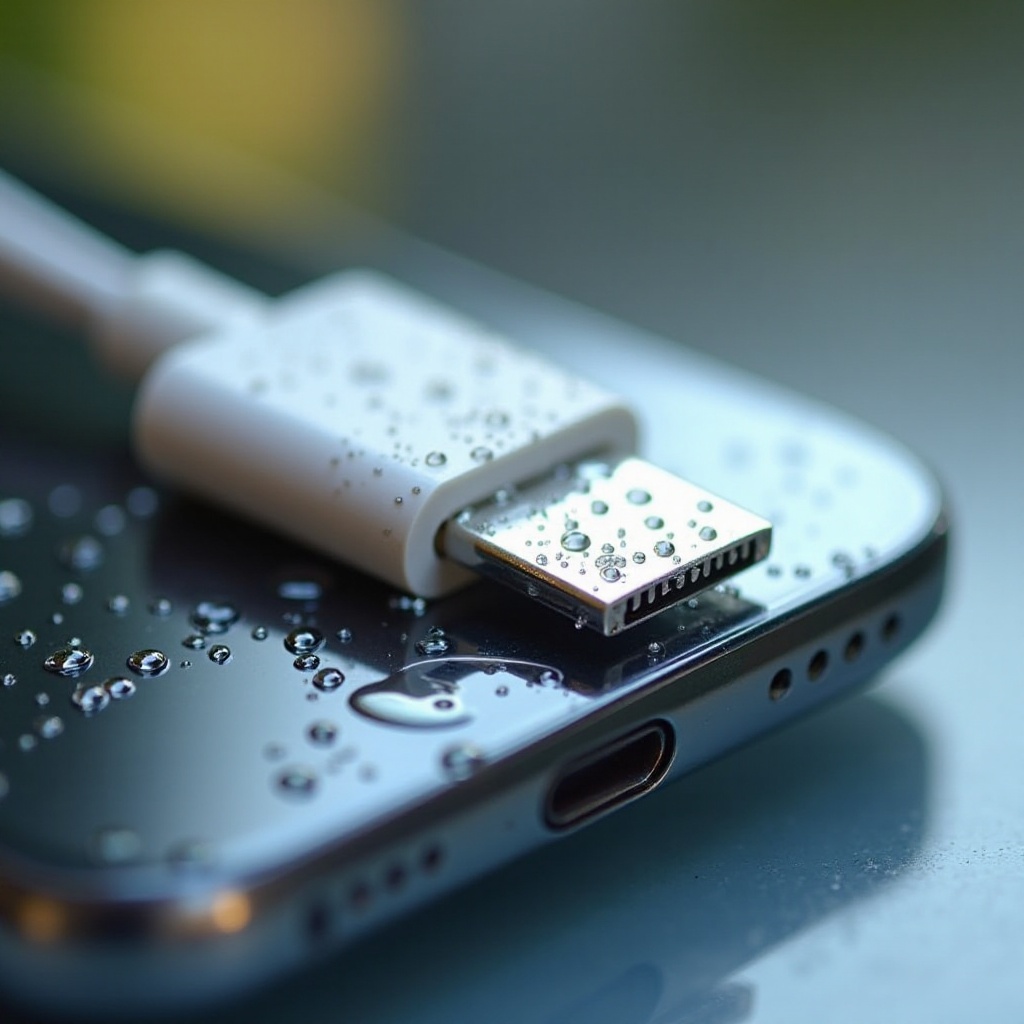
The lightning connector, while small, plays a vital role in your device’s operation by enabling charging and data transfer. When water gets into the connector, it can cause corrosion on the metal contacts, disrupt power flow, or lead to short circuits. Recognizing the mechanisms of water damage is the first step in protecting your phone.
Water exposure commonly occurs through unexpected rain, accidental spills, or dunking your phone in water bodies. Being aware of these scenarios can help you avoid them in the future. By understanding the effects of water on your connector, you can take timely action and minimize potential damage.
Immediate Actions to Take After Water Exposure
If your phone’s lightning connector comes into contact with water, immediate action is necessary to limit harm:
- Turn off your phone to avoid electrical short circuits.
- Remove any protective case to allow moisture to escape more easily.
- Use a lint-free cloth to gently remove visible water from your phone.
- Avoid plugging in your charger or any accessories to prevent further damage.
Quick action sets the foundation for successful drying, significantly reducing the risk of long-term damage. These steps are essential to manage the immediate threat but are only the beginning; specialized drying techniques must follow.
Effective Drying Techniques for Lightning Connectors
Once you’ve addressed immediate concerns, the next step is drying the connector effectively:
- Air Drying: Place your phone in an open, well-ventilated area, allowing air to circulate freely around it. This is the safest method, though it requires patience.
- Absorbent Materials: Use a microfiber cloth or paper towel to absorb moisture from the surface. Handle the phone gently to avoid pushing water deeper into the device.
Avoid using hair dryers or placing the phone in rice. These methods can cause more harm and are often ineffective.
To ensure complete moisture removal and prevent corrosion, using specialized moisture-absorption products is advisable.
Using Specialized Products for Moisture Absorption
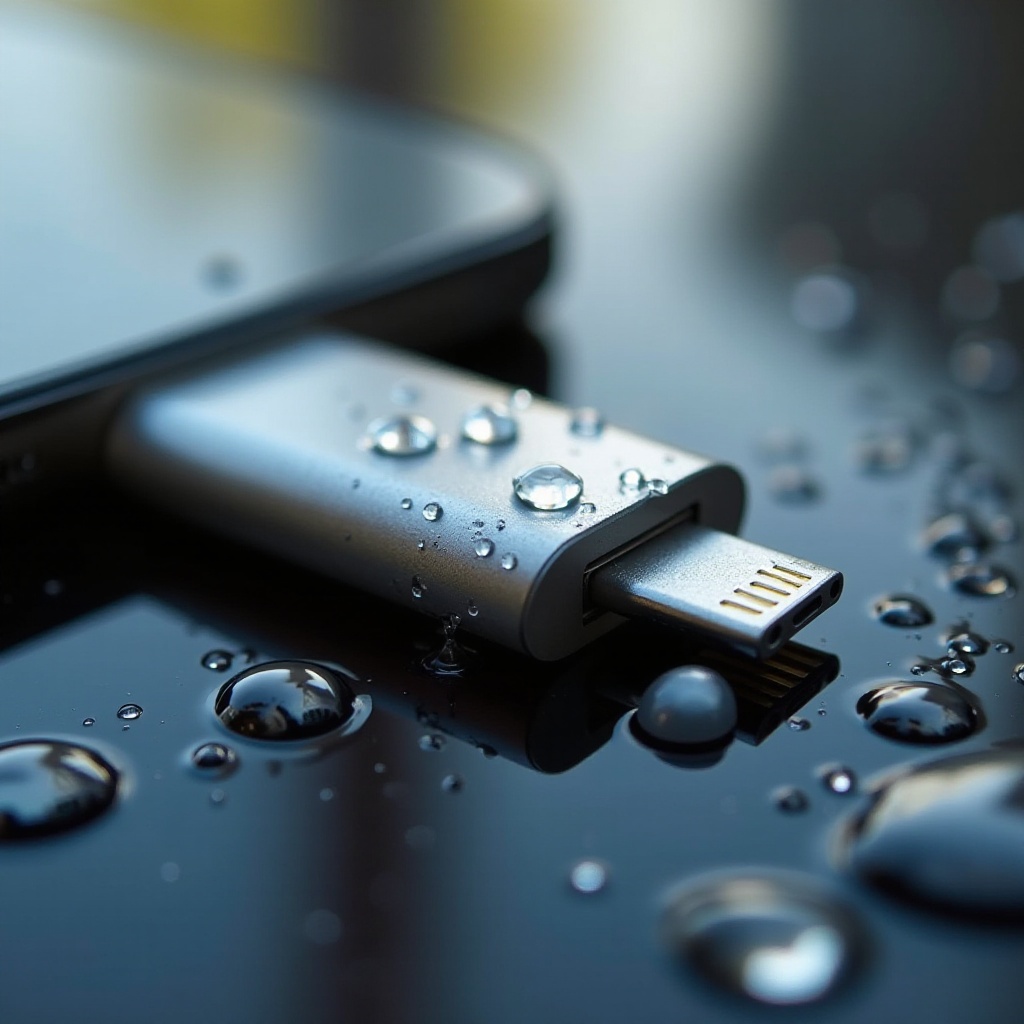
To combat moisture effectively, consider using:
- Silica Gel Packs: Enclose your phone in a sealed bag with silica gel packs for several hours. These effectively draw moisture away.
- Desiccant Pouches: Available at hardware stores, these are easy to use and serve a similar function to silica gel packs.
These products are excellent for handling residual moisture post-air drying. They offer protection against long-term damage and provide assurance that you’ve done all you can to dry your device thoroughly. Once drying is complete, it’s vital to check for any lasting issues.
Identifying Long-term Damage and Repair Options
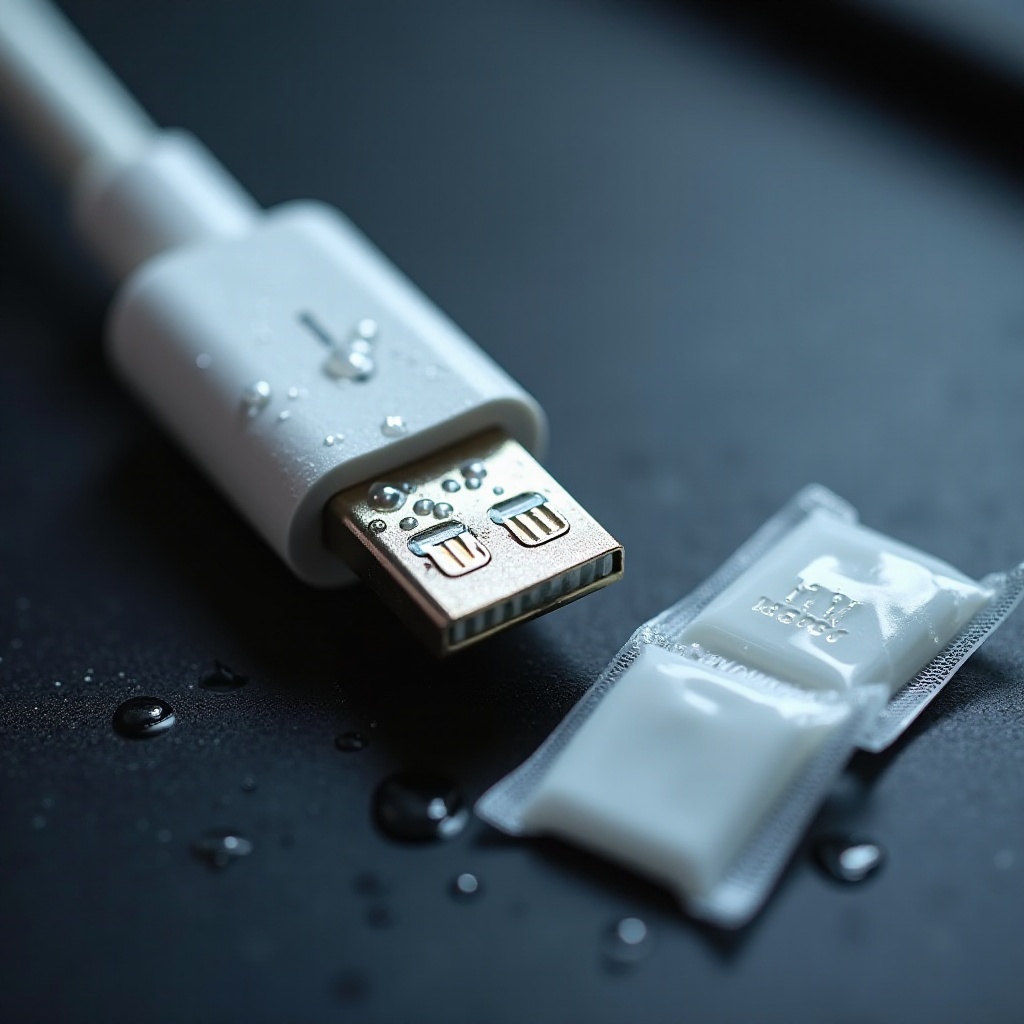
After drying, closely inspect your device for signs of lingering damage:
- Look for discoloration or rust on the metal parts of the connector.
- Notice any charging difficulties or problems connecting to other devices.
If you encounter these issues, consider seeking professional repair services. Experts can clean or replace damaged components to restore your phone’s full functionality. Recognizing when to get professional help can save your device from further harm.
With immediate dangers addressed, it’s time to focus on preventative strategies to avoid recurrence.
Preventative Measures Against Future Water Exposure
Implementing preventive measures is crucial to avoid future issues:
- Invest in waterproof cases that are designed to shield your phone from water damage.
- Be mindful of your surroundings, especially around water bodies or when consuming drinks.
- Regularly inspect your phone for signs of wear or damage, and clean the connectors gently.
Adopting these preventive practices helps shield your device from future water exposure and maintain its longevity.
Conclusion
Addressing water exposure in your lightning connector promptly with informed actions is key to mitigating damage. Through effective drying techniques and preventive measures, you can keep your phone safe and functional. Caring for your device today ensures it serves you well into the future.
Frequently Asked Questions
What should I do if my phone won’t charge after water exposure?
Ensure the device is fully dry before charging. If problems persist, seek professional assistance to evaluate and repair potential damage.
How long should I wait before using my phone after drying the connector?
Allow at least 24 hours after drying to ensure all moisture has evaporated to avoid internal damage.
Can I use a hair dryer to speed up the drying process?
Avoid hair dryers as the heat can damage your phone. Stick to air drying or desiccants for a safe approach.