
Introduction
Is your iPhone refusing to charge when plugged in? You’re not alone. Thousands of iPhone users face issues with their charging ports, leading to frustration and inconvenience. With the right knowledge, you can troubleshoot and fix your charging issues without much hassle. This comprehensive guide provides step-by-step instructions to identify the problem, perform preliminary checks, and handle it all with some simple DIY solutions before involving a professional. Let’s restore your iPhone’s charging capabilities effectively.
Identifying the Problem
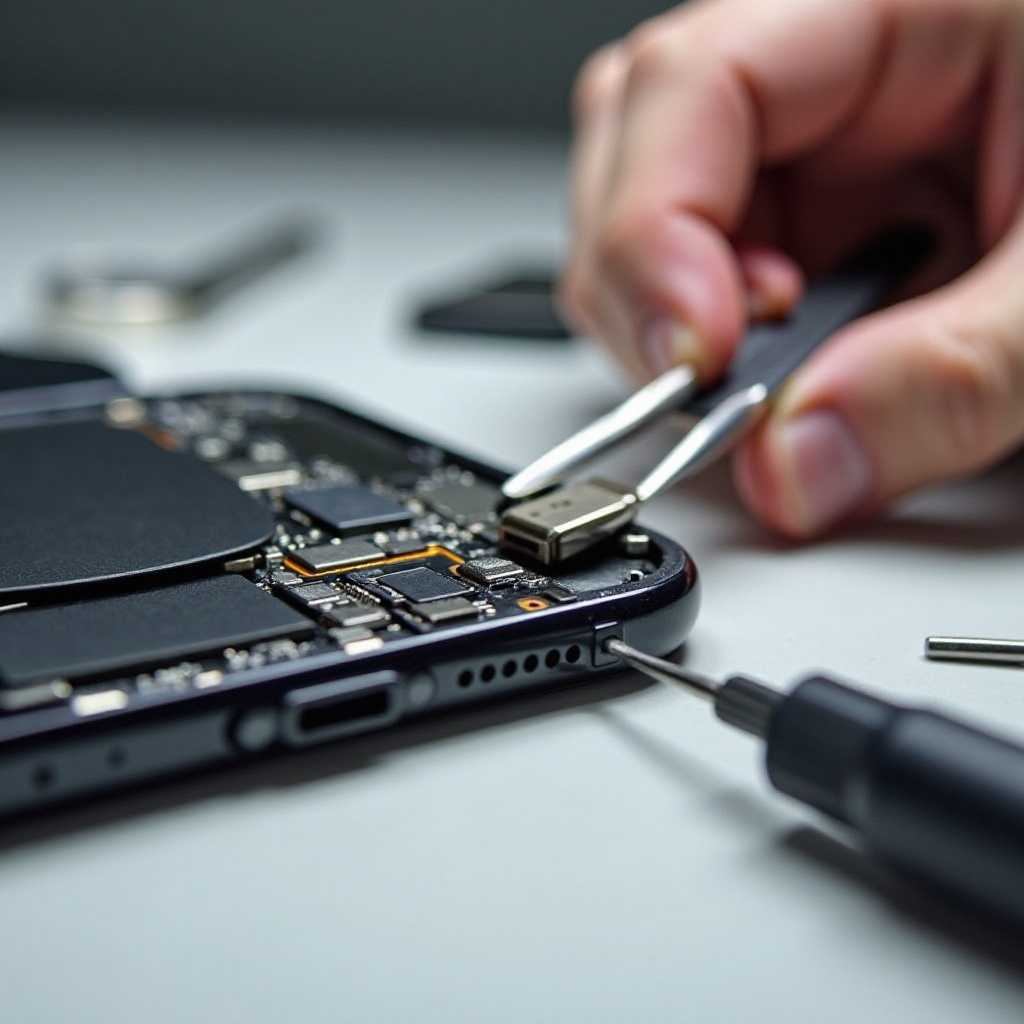
First, it is crucial to determine whether the charging port is indeed the issue. Several signs can help you pinpoint it:
- Intermittent Charging: Your iPhone only charges when the cable is at a particular angle, suggesting a weak or loose connection.
- No Charge Indicator: If your device gives no response upon plugging in, and you are certain the charger works, the port might be at fault.
- Visible Debris or Corrosion: Dust, lint, or visible corrosion in the port can prevent proper connectivity.
- Overheating Device: If the device becomes unusually hot when charging, the port might have a problem.
Being able to recognize these signs helps tailor the right course of action.
Preliminary Checks
Before assuming the port requires repairs, perform some basic check-ups to rule out other potential problems:
- Inspect the Cable and Adapter: Are they working with other devices? Troubleshoot the accessories before moving on.
- Test with Different Chargers: Sometimes, a charger or cable can be faulty. Using another set can indicate whether the issue resides in your existing accessories.
- Restart Your iPhone: A simple restart may reset minor glitches hindering charging.
- Software Check: Update your iPhone’s iOS to the latest version, as software can occasionally solve charging hiccups.
If after these checks, the port remains the suspect, consider going further into cleaning and DIY methods.
Cleaning the Charging Port
Dust and debris are typical offenders in charging problems. Regular cleaning can often correct these:
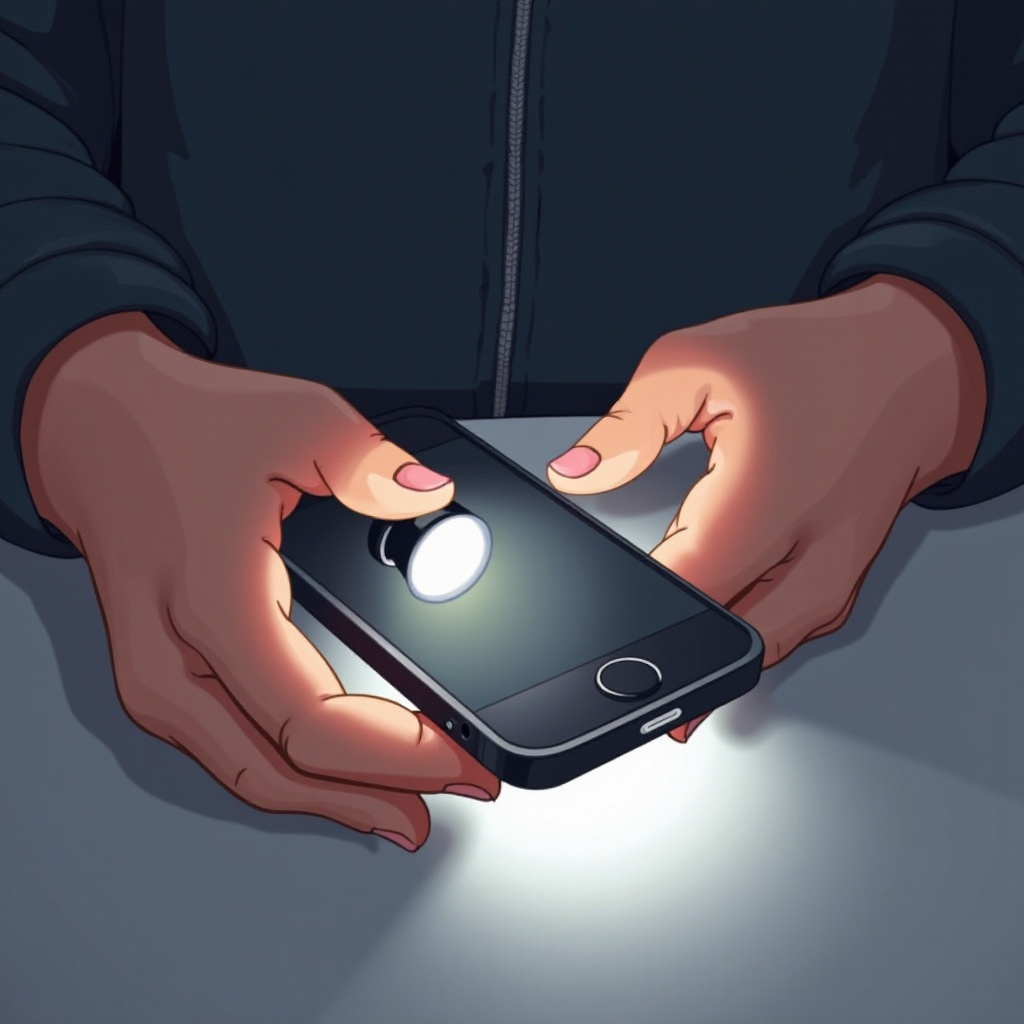
- Assemble Tools: A soft-bristle brush, flashlight, and compressed air are essential.
- Procedure:
- Power off your iPhone to prevent any risks.
- Use a flashlight to illuminate and inspect the port.
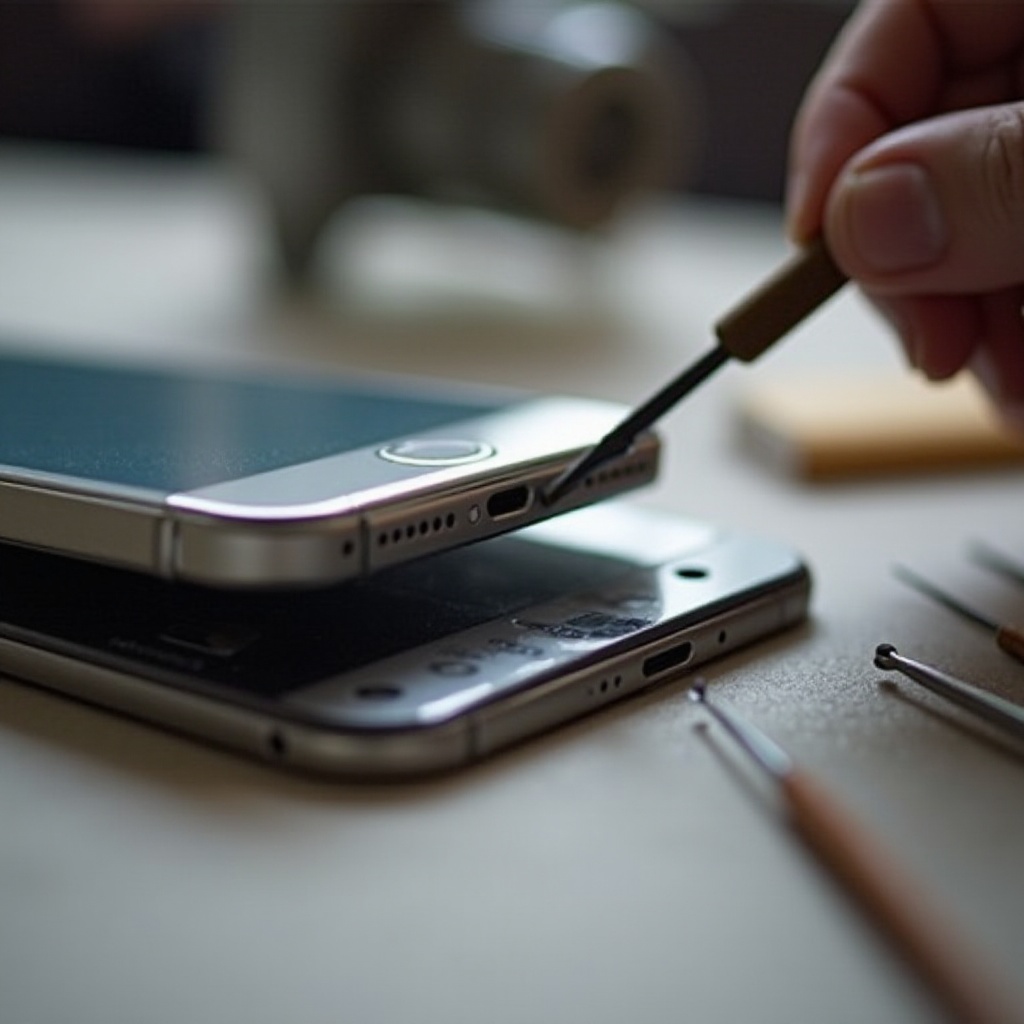
- Gently use the brush or a non-metal toothpick to loosen debris.
- Use quick bursts of compressed air to clear out loosened particles.
Proceed with caution, ensuring you don’t use sharp objects or excessive pressure to avoid damaging the delicate components.
DIY Solutions for Simple Fixes
If cleaning does not suffice, consider these DIY tactics:
- Align the Port: Gently adjust the angle of the cable when plugging in, seeking a connection point that allows charging.
- Temporary Fixes: Secure the charger with tape to maintain its position to enable charging temporarily.
These quick fixes provide temporary solutions until a more permanent repair can be done.
When to Seek Professional Help
If the charging port issues continue despite your efforts, it may be time for expert intervention:
- Professional Assessment Needed: Persistent non-charging and visible damage such as corrosion might require expert evaluation.
- Authorized Repairs: Visit an Apple Store or an authorized repair service for reliable diagnostics and service.
Choosing a professional ensures your device receives the appropriate care, with genuine parts and experienced technicians.
Conclusion
Fixing your iPhone charging port doesn’t have to be daunting. By diagnosing the problem, conducting thorough checks, and trying DIY solutions, you can often restore charging functionality. When DIY efforts fall short, don’t hesitate to seek professional assistance. Prompt action will safeguard your iPhone’s lifespan and performance.
Frequently Asked Questions
Can a faulty charging port cause battery issues?
Yes, a faulty port can impair charging efficiency and potentially impact battery health over time.
Is it safe to clean the charging port with a toothpick?
Using a toothpick carefully is okay, but avoid applying excessive force. It’s best to use tools intended for electronics.
How much does it typically cost to repair an iPhone charging port?
Repair costs generally range from $50 to $100, excluding warranty coverage. Always confirm repair prices beforehand.